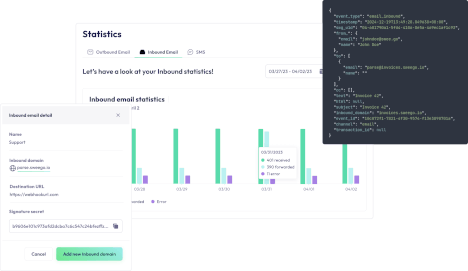
Inbound email routing

Routage d'emails entrants

Automate, analyse and route your incoming emails easily

Set up two-way email communications directly in your applications
Inbound Email Catchall

Create conversations with your users

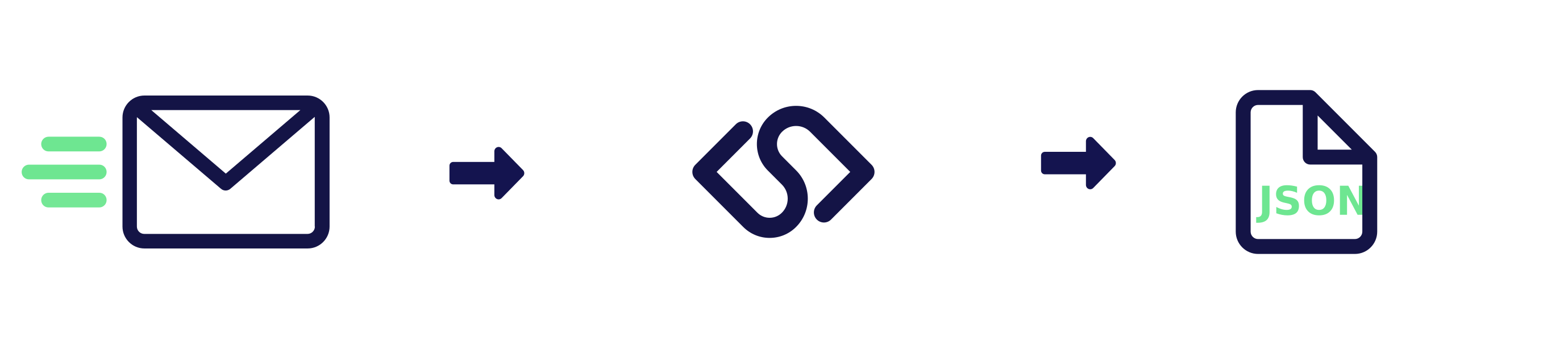
Let your users reply to you or simply send emails to your app via JSON.

Use any address and our Catchall will take care of the rest.
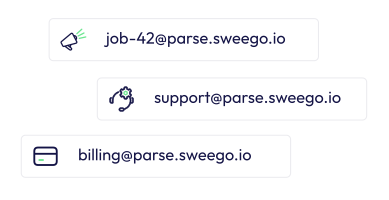
Inbound email CatchAll

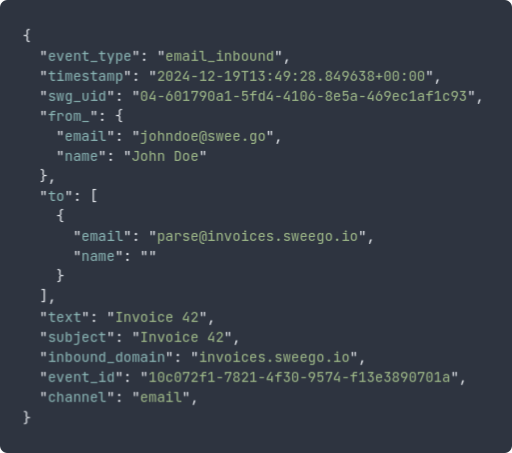
Your emails in JSON

Parsing emails yourself can be complex and time-consuming… We analyse all your incoming emails on your Inbound email domain and send them to you via webhook in JSON format.

Detailed logs

  • Real-time logs
  • Analyse in detail every email received and sent via webhook
  • Use our filters to analyse current or past events
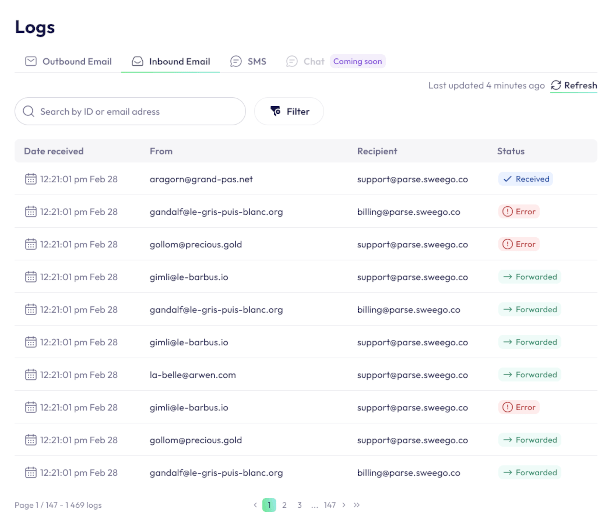
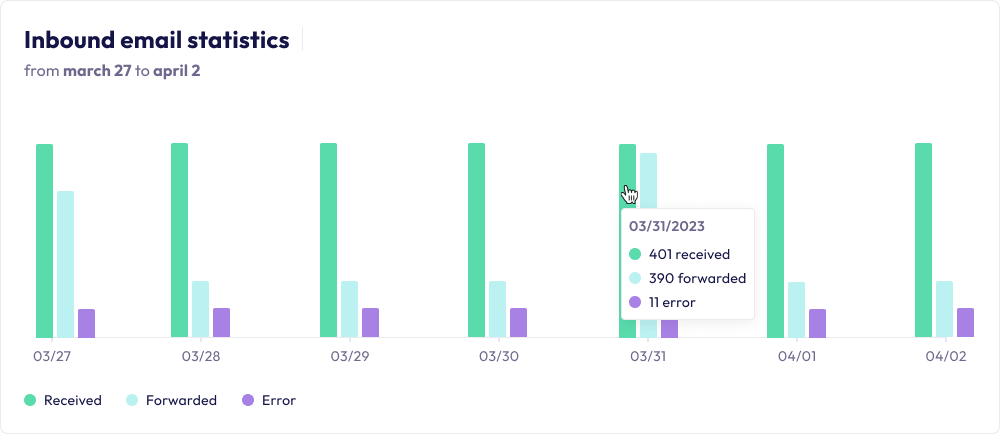
Statistics for your incoming emails

Control the routing of your incoming emails.

Filter by domain to get to the heart of the matter and find out which mailboxes are being used to receive emails. You can track responses on your webhook endpoints at a glance.

import requests
import json

url = "https://api.sweego.io/clients/:uuid_client/domains/inbound"

payload = json.dumps({
  "name": "string",
  "webhook_url": "string",
  "subdomain": "string",
  "uuid_domain": "string"
})
headers = {
  'Content-Type': 'application/json',
  'Accept': 'application/json',
  'Authorization': 'Bearer <TOKEN>'
}

response = requests.request("POST", url, headers=headers, data=payload)

print(response.text)
<?php

$curl = curl_init();

curl_setopt_array($curl, array(
  CURLOPT_URL => 'https://api.sweego.io/clients/:uuid_client/domains/inbound',
  CURLOPT_RETURNTRANSFER => true,
  CURLOPT_ENCODING => '',
  CURLOPT_MAXREDIRS => 10,
  CURLOPT_TIMEOUT => 0,
  CURLOPT_FOLLOWLOCATION => true,
  CURLOPT_HTTP_VERSION => CURL_HTTP_VERSION_1_1,
  CURLOPT_CUSTOMREQUEST => 'POST',
  CURLOPT_POSTFIELDS =>'{
  "name": "string",
  "webhook_url": "string",
  "subdomain": "string",
  "uuid_domain": "string"
}',
  CURLOPT_HTTPHEADER => array(
    'Content-Type: application/json',
    'Accept: application/json',
    'Authorization: Bearer <TOKEN>'
  ),
));

$response = curl_exec($curl);

curl_close($curl);
echo $response;
package main

import (
  "fmt"
  "net/http"
  "io/ioutil"
)

func main() {

  url := "https://api.sweego.io/clients/:uuid_client/domains/inbound"
  method := "GET"

  client := &http.Client {
  }
  req, err := http.NewRequest(method, url, nil)

  if err != nil {
    fmt.Println(err)
    return
  }
  req.Header.Add("Accept", "application/json")
  req.Header.Add("Authorization", "Bearer <TOKEN>")

  res, err := client.Do(req)
  if err != nil {
    fmt.Println(err)
    return
  }
  defer res.Body.Close()

  body, err := ioutil.ReadAll(res.Body)
  if err != nil {
    fmt.Println(err)
    return
  }
  fmt.Println(string(body))
}
const https = require('follow-redirects').https;
const fs = require('fs');

let options = {
  'method': 'POST',
  'hostname': 'api.sweego.io',
  'path': '/clients/:uuid_client/domains/inbound',
  'headers': {
    'Content-Type': 'application/json',
    'Accept': 'application/json',
    'Authorization': 'Bearer <TOKEN>'
  },
  'maxRedirects': 20
};

const req = https.request(options, (res) => {
  let chunks = [];

  res.on("data", (chunk) => {
    chunks.push(chunk);
  });

  res.on("end", (chunk) => {
    let body = Buffer.concat(chunks);
    console.log(body.toString());
  });

  res.on("error", (error) => {
    console.error(error);
  });
});

let postData = JSON.stringify({
  "name": "string",
  "webhook_url": "string",
  "subdomain": "string",
  "uuid_domain": "string"
});

req.write(postData);

req.end();
curl -L 'https://api.sweego.io/clients/:uuid_client/domains/inbound' \
-H 'Content-Type: application/json' \
-H 'Accept: application/json' \
-H 'Authorization: Bearer <TOKEN>' \
-d '{
  "name": "string",
  "webhook_url": "string",
  "subdomain": "string",
  "uuid_domain": "string"
}'